
Hello there marketing folks! It’s another week of marketing blogs and practices. Here’s hoping everyone thrives our busy schedule as we get closer to the Holiday rush and Christmas festivities.
Speaking of fast-paced, in the world of digital marketing, creating compelling and relevant content is key to capturing our audience’s attention. As a marketer, we must understand the importance of a well-thought-out content creation process. In this blog, let’s delve into the steps and tools that can elevate our content game.
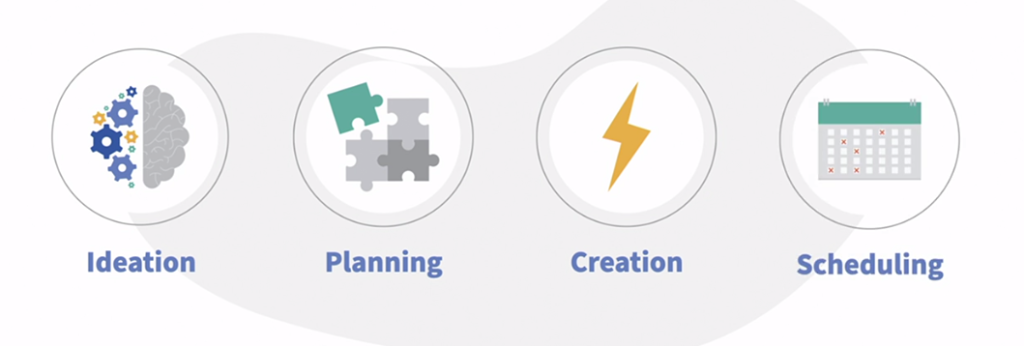
Outlining the Content Creation Process
- Ideation
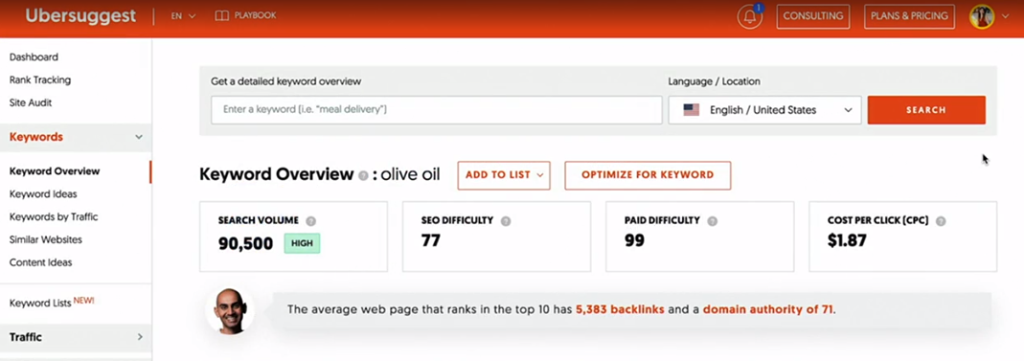
Ideas are the foundation of engaging content. Utilize tools like UberSuggest, an online keyword research tool, to brainstorm content ideas that resonate with your audience. Understanding the algorithm that organizes content by relevance rather than time frame is crucial for creating impactful posts.
2. Planning
Efficient planning is the backbone of successful content creation. Develop a content calendar that outlines the platforms to be used and the types of content to be produced. You can see a sample content calendar in my first blog.
Consider content batching, a strategy that involves creating content in batches for an entire week or month. Focus on one medium at a time, such as Instagram images for one week and copies for another.
3. Creation
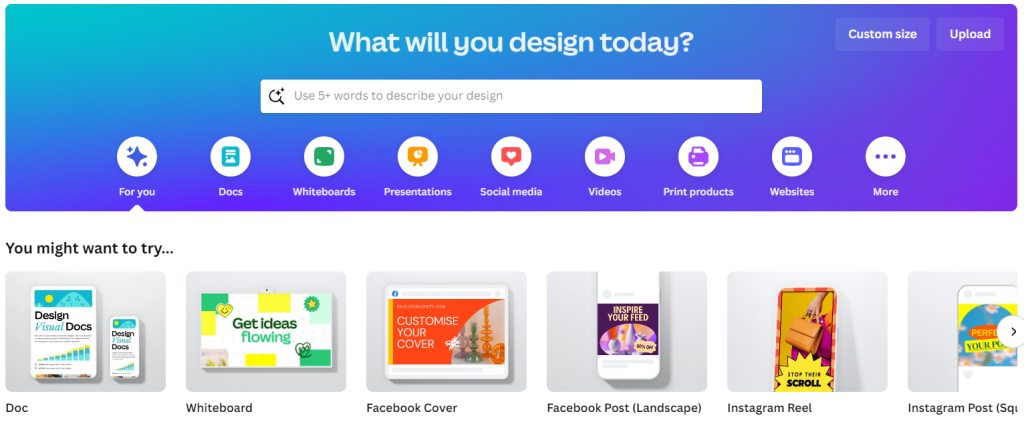
During the creation phase, use tools like Canva to grab your audience’s attention. Canva, a free online graphical tool, allows you to create visually appealing content with ease. Explore Canva’s AI-powered Magic Design for intelligent search engine results related to your chosen subject or keyword.
4. Scheduling
Automate your content posting process using scheduling tools like HootSuite or Sprout Social. This ensures a consistent and timely presence on your chosen platforms.
Choosing Content Creation Tools
This online keyword research tool not only helps in brainstorming content ideas but also allows you to repurpose these ideas into various formats such as static images or carousel posts on Instagram or short articles on LinkedIn.
2. Airtable
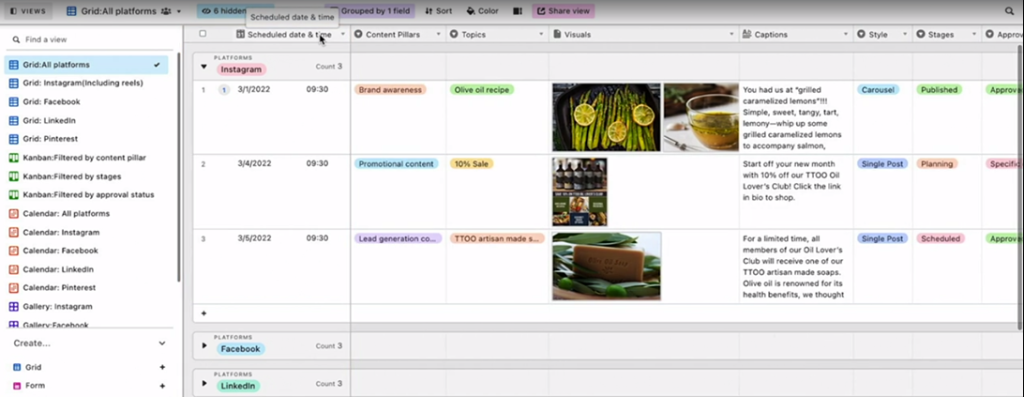
If you are dealing with multiple spreadsheets, Airtable might be good for you. Aside from organizing and collaborating multiple files, Airtable combines spreadsheets and databases, featuring schedule date fields, content pillars, visuals, and captions. It allows easy collaboration and custom views, keeping your team organized and strategic.
3. Wordtune
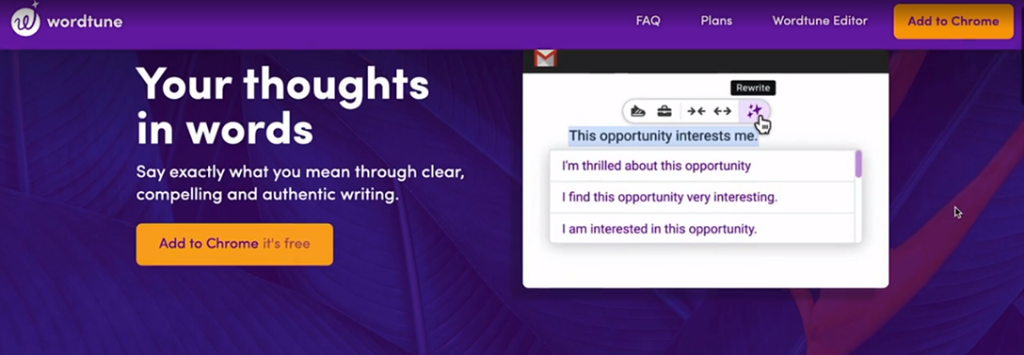
Enhance your copywriting with Wordtune, an AI writing tool. It assists in rewriting copies while maintaining the same tone and voice. Premium features include options for a formal or casual tone, paraphrasing, and a word finder tool, which is ideal for non-native English writers.
4. Canva
Create visually stunning content with Canva, a free online graphical tool. The Pro account provides additional templates, and Canva with AI (Magic Design) ensures intelligent search results related to your chosen subject or keyword.
5. Mojo
Video content is a powerful tool for engagement. Use Mojo for creating videos across platforms such as Instagram Story and LinkedIn. With customizable templates and animation effects, Mojo offers a professional touch to your video content.

If your brand is primarily on Facebook and Instagram, consider using Business Suite for seamless management of your content. Aside from creating and scheduling content here, you can also run ads for both Facebook and Instagram.
Conclusion
In conclusion, mastering the art of content creation involves adopting a strategic approach and utilizing the right set of tools. By integrating ideation, planning, creation, and scheduling into your process, and harnessing powerful tools that are mentioned above, you can elevate your content game and keep your audience engaged in the ever-evolving digital landscape.
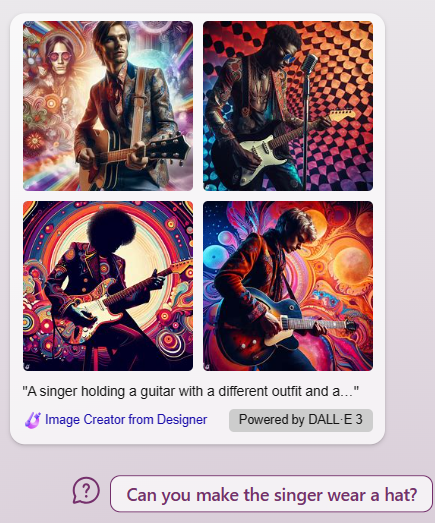
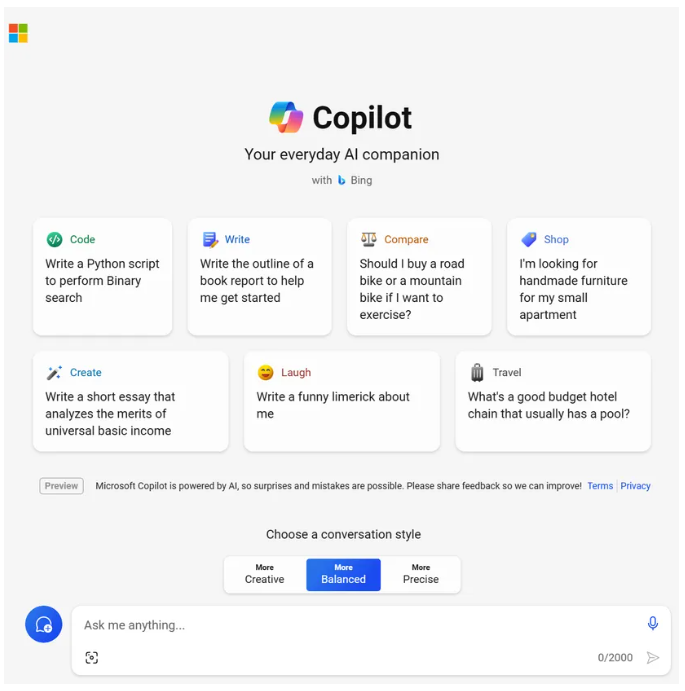
Personally, I use OpenAI when I need a creative spark for generating copies and ideas. It helps me be more efficient in my job and enables me to customize the material generated by ChatGPT. Recently, Microsoft rebranded Bing Chat and officially launched Microsoft Copilot, serving as the multinational software giant’s main brand for an AI chatbot. It essentially serves the same purpose as ChatGPT, including optimizing content for SEO, diversifying content formats, generating texts faster, and enhancing creativity and innovation. However, what sets Copilot apart from ChatGPT is its integration with Microsoft 365 applications such as Word, PowerPoint, Excel, and Teams. This AI chatbot can assist with presentations, summarize MS Teams meetings, and even generate images through its Creative Mode.
The free version of Copilot is accessible in Bing and Windows, but it will also have its own dedicated domain similar to ChatGPT. You will need a Microsoft account to access the free Copilot service.
References:
Warren, T. (2023, November 15). Microsoft rebrands Bing Chat to Copilot, to better compete with ChatGPT. Retrieved from The Verge: https://www.theverge.com/2023/11/15/23960517/microsoft-copilot-bing-chat-rebranding-chatgpt-ai
Yung, J. (2022, March 25). Content Creation: Strategy and Tools. Retrieved from LinkedIn Learning: https://www.linkedin.com/learning-login/share?account=2109516&forceAccount=false&redirect=https%3A%2F%2Fwww.linkedin.com%2Flearning%2Fcontent-creation-strategy-and-tools%3Ftrk%3Dshare_ent_url%26shareId%3DEEraaFuQRRWZj5fOkyGvSg%253D%253D